


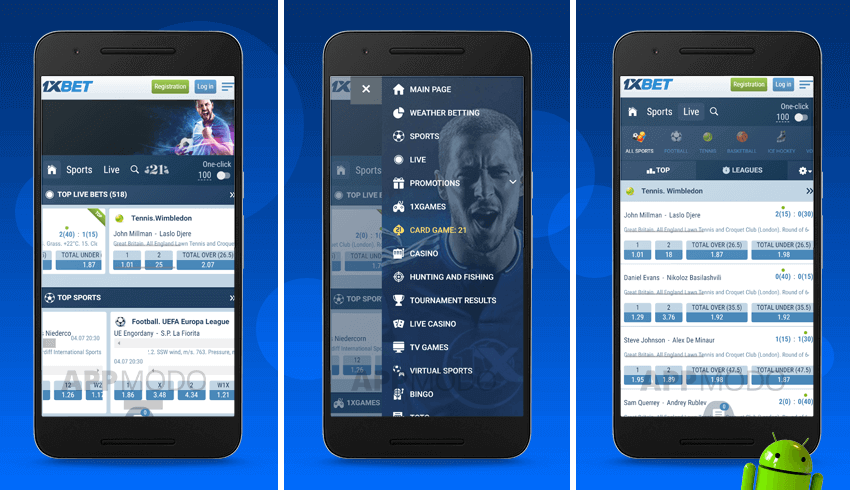
Ever wanted to place a bet while waiting for your coffee, during halftime at a friend’s house, or on the train home? The 1xBet mobile app turns those spare minutes into betting opportunities without chaining you to a desktop computer. This Android application, distributed as an APK file, puts the full sportsbook and casino in your pocket. Below you’ll find everything needed to get it running: the preparation, the download, the installation quirks Android throws at you, plus how to handle updates and common hiccups along the way.

What to Check Before You Download
Rushing straight to the download button often leads to frustration. A few minutes of preparation saves you from failed installations and security headaches later. Your phone needs to meet some basic conditions, and you should know exactly where your APK file comes from before tapping anything.
- Confirm your Android version supports the app – check the requirements listed on the download page
- Free up enough storage space for both the APK file and the installed application
- Charge your battery above 30% or plug in your device to avoid mid-installation shutdowns
- Connect to a stable Wi-Fi network rather than relying on mobile data for the download
- Verify you’re on the legitimate 1xBet website by checking the URL spelling carefully
That last point deserves extra attention. Fake betting apps circulate on third-party sites, and they can steal login credentials or payment details. The genuine source is the operator’s own website – look for the mobile section or app download link in the footer or main menu. Bookmark it once you’ve confirmed the address is correct.
Getting the APK File Onto Your Phone
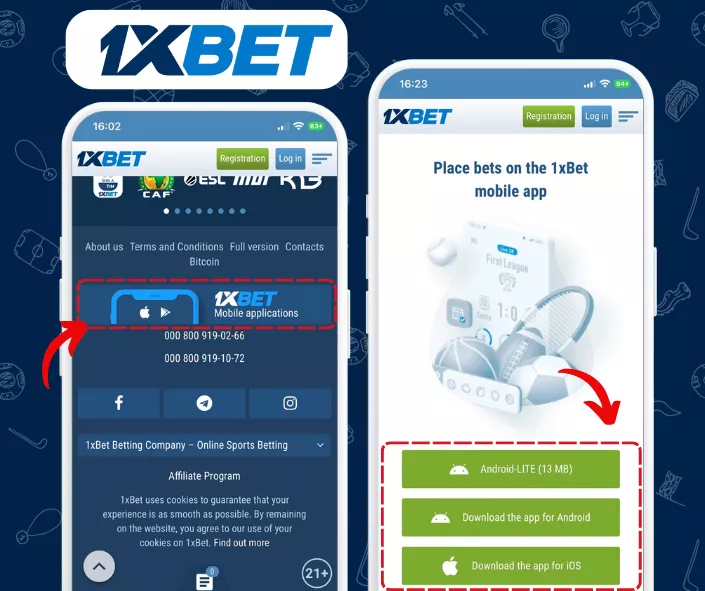
The 1xBet Android application doesn’t come through the Play Store. Google restricts real-money gambling apps in many regions, so the operator distributes the software directly. This means downloading an APK – the standard Android installation package format – straight to your device.
The process takes just a few taps. Open your browser and navigate to the 1xBet mobile page. Look for the Android icon or a button labelled for APK download. Your browser might warn you that this file type could harm your device; that’s a generic Android message for any APK downloaded outside official stores, not a specific threat assessment. Confirm the download and wait for it to complete.

Once finished, you’ll find the file in your Downloads folder or whatever location your browser uses. Some phones show a notification you can tap directly to begin installation. The 1xbet app apk on android gives you access to sports betting markets, live wagering, and casino games once properly installed. Keep the file if you want a backup, or delete it after installation to reclaim space – the installed app works independently.
Installation and the Unknown Sources Permission
By default, Android stops apps from installing if they come from somewhere other than the Play Store. This security feature protects users from malware, but it also means you need to grant explicit permission before the 1xBet app can install. The system handles this per app source – your browser or file manager requests access individually rather than flipping one global switch.
When you tap the downloaded APK, Android typically shows a prompt explaining that installations from this source are blocked. Follow the prompt to open Settings, where you’ll see a toggle for allowing installs from that particular app. Enable it, return to the installation screen, and proceed. The exact menu wording varies between Android versions and manufacturer skins, but the logic stays consistent.
- Tap the downloaded APK file from your notification bar or Downloads folder
- Read the prompt about blocked installations and tap the Settings option it provides
- Toggle on the permission for your browser or file manager
- Head back to the setup screen and press Install
- Wait for the progress bar to finish, then tap Open or find the icon in your app drawer
- Revoke the unknown-sources permission afterwards if you want tighter security
That final step matters more than most guides admit. Leaving unknown-sources access enabled permanently creates an opening for malicious apps. Revoking it takes seconds and doesn’t affect the already-installed 1xBet application.
Keeping the App Updated
Apps installed via APK don’t update automatically through the Play Store. You’re responsible for fetching new versions when they release. The 1xBet app typically notifies you when an update becomes available, or you can check the mobile website periodically for fresh downloads.
Updating follows the same pattern as the initial installation. Download the new APK, tap it, and Android recognises it as an update to an existing application rather than a fresh install. Your account details, settings, and preferences carry over. One technical wrinkle worth knowing: Android verifies that updates are signed with the same certificate as the original installation. If certificates don’t match – perhaps because you’re installing from a different source – the update fails. The workaround involves uninstalling first, but be aware this can remove locally stored data like saved login sessions.
- Enable update notifications in the app settings if available
- Download updates only from the same source you used originally
- Back up any important information before uninstalling an old version
- Check the version number after updating to confirm the process worked
What the App Actually Offers
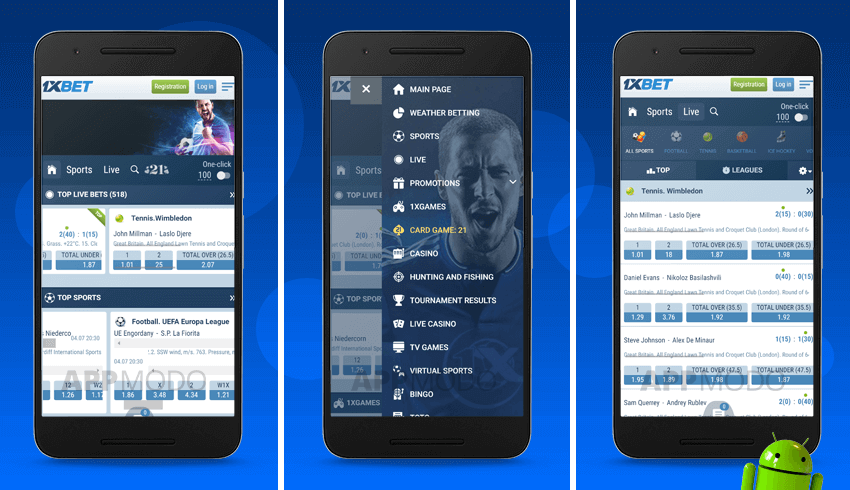
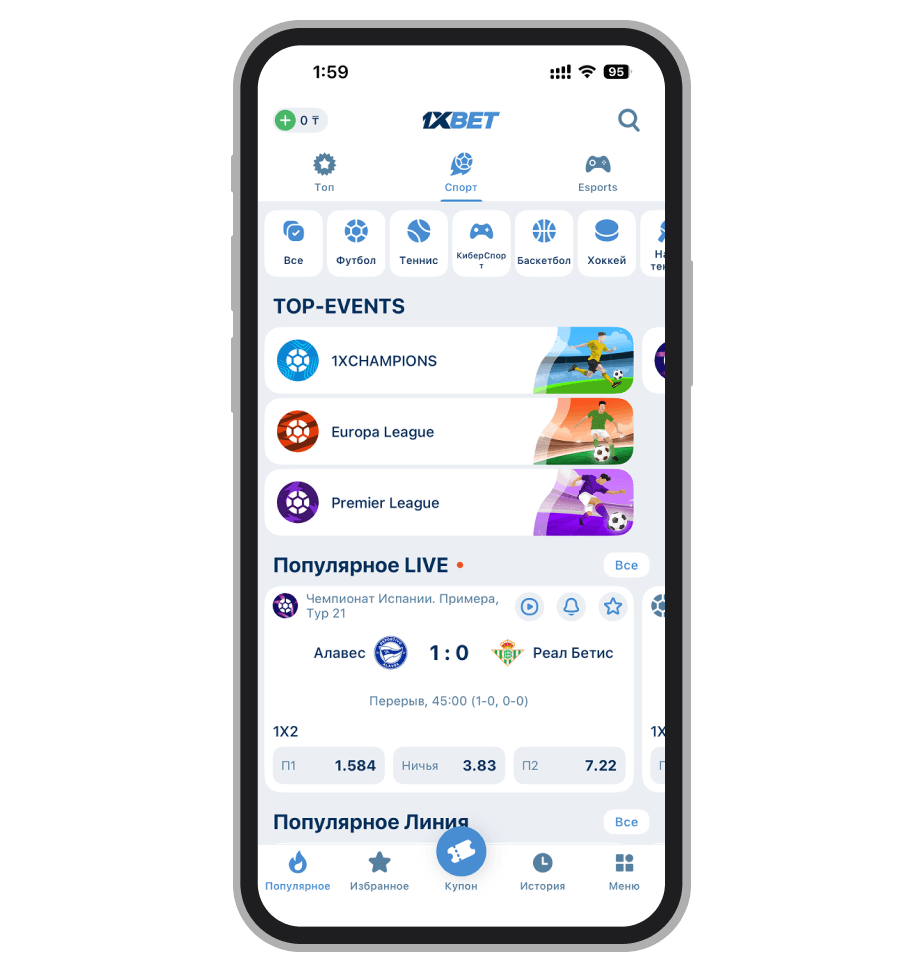
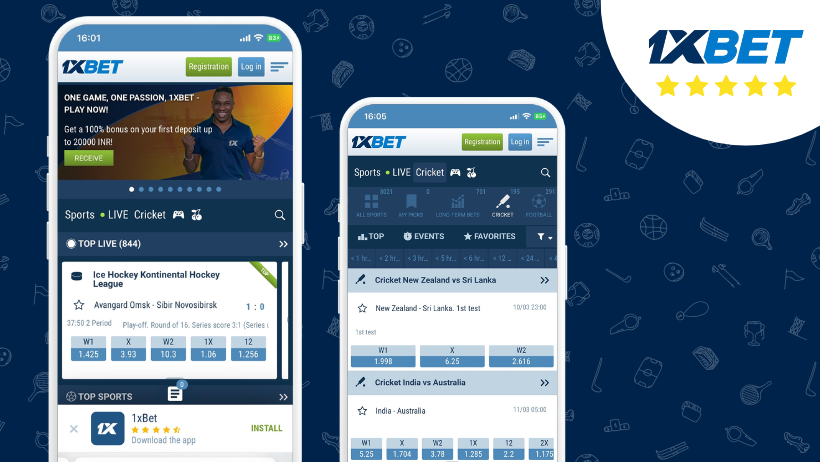
The mobile application mirrors the desktop site’s functionality while adapting everything for touchscreen navigation. Sports betting covers pre-match markets across football, tennis, basketball, cricket, and dozens of other sports. Live betting updates odds in real time as matches unfold, letting you react to momentum shifts and tactical changes.
Casino games fill a separate section with slots, table games, and live dealer options. The account area handles deposits and withdrawals through various payment methods depending on your region – cards, e-wallets, bank transfers, and sometimes cryptocurrency. Transaction history, bet slips, and bonus information all live in the same account dashboard.
| Feature | What You Get |
|---|---|
| Sports Betting | Betting markets before and during games for popular and lesser-known sports |
| Casino | Slots, table games, live dealer rooms |
| Payments | Deposits and withdrawals through regional payment methods |
| Account | Bet history, transaction records, settings management |
Interface details and available features shift between regions and app versions. What you see after logging in might differ slightly from descriptions here, depending on your location and when you downloaded the software.
When Things Go Wrong
Installation problems usually trace back to a handful of causes. The “app not installed” error often means insufficient storage space, a corrupted download, or a certificate conflict with a previous installation. Clear some space, delete the APK, download fresh, and try again. If you’ve installed from a different source before, uninstall completely first.
Parsing errors typically indicate an incomplete download or a file that doesn’t match your Android version. Check the requirements and re-download on a stable connection. Apps that crash immediately after opening might conflict with other software or need a device restart. Clearing the app cache through Android’s application settings sometimes resolves persistent problems.
- App not installed: check storage, re-download, or uninstall conflicting versions
- Parse error: verify Android version compatibility and download integrity
- Immediate crashes: restart your phone or clear app cache
- Login problems: confirm credentials and check your internet connection
- Missing features: update to the latest version or check regional availability
The mobile website serves as a reliable fallback when the app misbehaves or when you’d rather not install anything. It runs in any modern browser, requires no installation or permissions, and covers the same betting markets and account functions. Performance differs slightly – the app generally responds faster and handles live betting more smoothly – but the browser version keeps you connected when technical issues strike. Betting should stay entertaining, so set limits on time and money before you start, and treat responsible gambling as part of your routine rather than an afterthought.
FAQ
Can I bet on live matches through the mobile app?
Yes. The live betting section updates odds continuously as events unfold. You can place wagers during matches, though odds shift quickly based on game developments.
Why does Android warn me about the APK file?
Android displays a generic warning for any installation outside the Play Store. This doesn’t mean the specific file is dangerous – it’s a standard precaution for all unknown sources.
What happens to my account after deleting the app?
Your account exists on 1xBet’s servers, not your phone. Uninstalling removes local data like saved logins, but your balance, history, and account status remain intact when you reinstall or use the website.
How do I know when an update is available?
The app typically notifies you when updates release. You can also check the mobile website’s download section periodically to compare version numbers.
How does the mobile website compare to the app?
The website covers the same core functions without requiring installation. The app generally offers smoother performance and faster navigation, particularly for live betting, but the browser version works well as an alternative.